

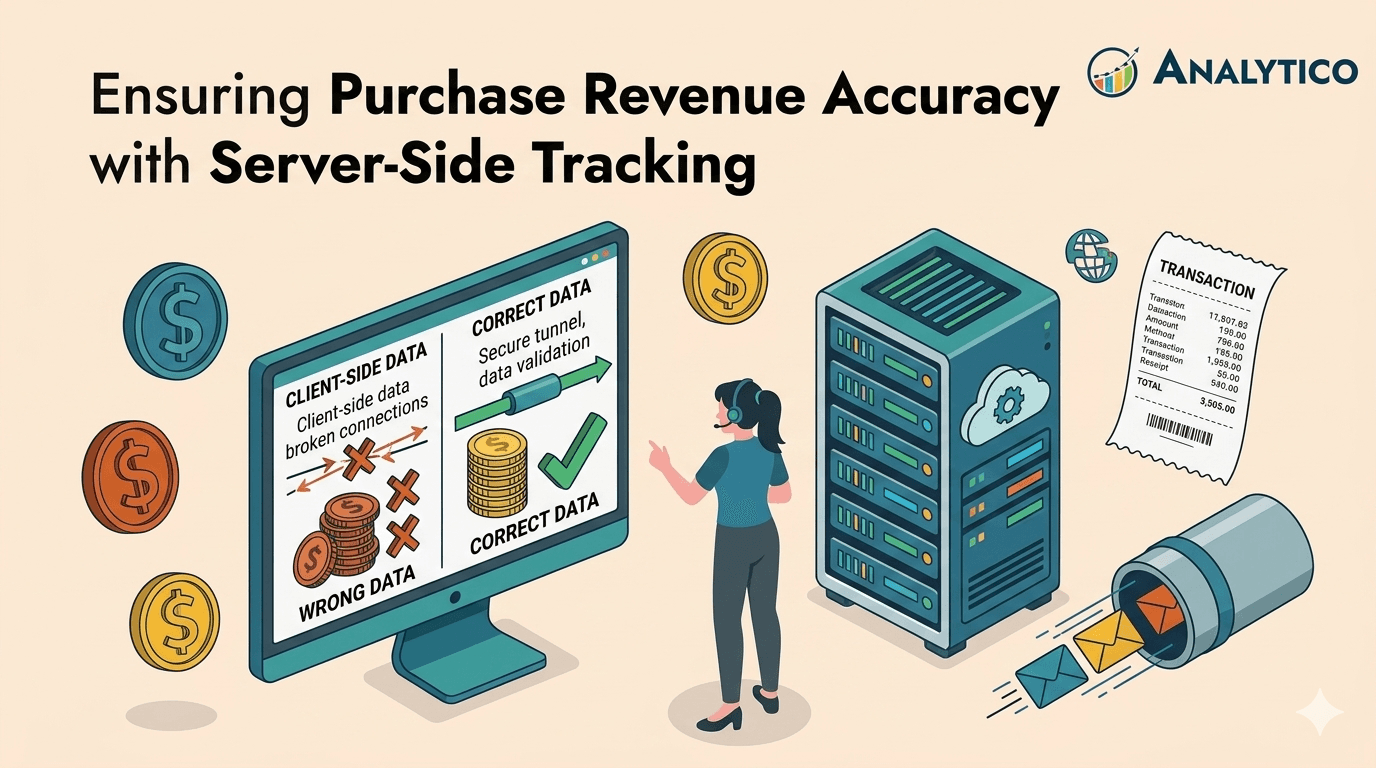
Two Architectures, One Goal — Know the Difference
"Server-side tracking" is one of the most consistently misused phrases in the analytics industry. Before diving into the technical details, it's worth being precise about what we're actually talking about — because conflating two distinct architectures leads to broken implementations.
Server-Side Tagging (SST) uses a Google Tag Manager Server container hosted on your own infrastructure (typically Google Cloud Run) as a middleware proxy. Your browser still fires events, but instead of sending them directly to Google or Meta, it sends them to your server container at a subdomain you control (e.g., `data.yourdomain.com`). The container then re-dispatches the data to vendor endpoints. GTM is the engine.
Server-to-Server / Conversion API (S2S) is a direct API integration from your own backend systems — your CRM, order management system, or database — to platform endpoints like Meta CAPI or the GA4 Measurement Protocol. No GTM container is involved. Your backend is the engine, and the match keys are typically hashed PII (email, phone number) rather than browser-derived identifiers.
This article primarily covers the hybrid architecture — combining SST via GTM Server-Side with Conversion API calls — which is the model that gives you the best of both worlds: browser-derived identity signals and backend-level reliability. Where the two approaches differ meaningfully, we'll say so explicitly.
The "Leaky Bucket" of Modern Tracking
For performance marketers and data stakeholders, the `purchase` event is the North Star. It dictates every automated bidding decision in Google Ads and Meta Ads. But here's the uncomfortable truth: if you are relying solely on client-side (browser) tracking, you are measurably losing conversion data.
The losses come from two structural forces that are only getting worse.
- Force 1: Browser privacy restrictions. Apple's Intelligent Tracking Prevention (ITP), introduced progressively since ITP 2.0 in 2018, caps JavaScript-set cookies at seven days — and in some cases 24 hours for users arriving from tracked ad clicks. According to Simo Ahava's foundational analysis of sGTM, having your endpoint in a first-party domain namespace is what allows you to set cookies via `Set-Cookie` headers and avoid Safari expiring them within that seven-day window. Safari commands roughly 18-20% of global browser market share, and over 30% on mobile in the US — a meaningful share of any ecommerce audience.
- Force 2: Ad blockers. According to GWI data cited by Backlinko, approximately 29.5% of global internet users use ad blockers at least sometimes as of Q2 2025 — an estimated 1.77 billion people. In the US, that figure sits at roughly 32.5%. Ad blockers frequently intercept analytics and advertising scripts entirely, meaning those conversions are simply never reported to GA4 or Meta.
The consequence is a systematic undercount of your most important metric. This is why server-side tracking has moved from an "upgrade" to a survival mechanism for ROAS.
But simply moving tags to the server isn't a magic fix. A naive "lift and shift" implementation often breaks attribution in new and harder-to-detect ways. We call this the Context Gap.
The "Context Gap": Why Revenue Accuracy Slips
When you track a purchase in the browser, platforms like GA4 and Meta automatically gather critical contextual signals from the browser environment: the `gclid` (Google Click ID) that ties the conversion to a specific ad click, the `_fbp` cookie that identifies the Meta browser session, the GA4 `client_id` that identifies the user across their session history, and the HTTP headers (user agent, IP address) that populate device and geo dimensions.

When you move that tracking to the server — particularly in a pure S2S/Measurement Protocol setup — you are making an API call that is completely isolated from that browser context. Three concrete problems emerge:
- Broken attribution. A $500 purchase from a Google Ad shows up as `(direct) / (none)` because the `gclid` and session data were lost in transit. In GA4, as documented by Analytics Mania, Measurement Protocol events that arrive without a valid `session_id` tied to an existing client-side session cannot inherit traffic source dimensions — resulting in `(not set)` attribution across source/medium reporting.
- The ghost user problem. GA4 sees a user browse the site via client-side tagging, then that user "disappears" at the point of purchase because the server-side event doesn't carry the matching `client_id`. Simultaneously, a new, unrecognized user appears in the server data to complete the purchase. The session is severed, the journey is fragmented.
- Double-counting. If the browser and server both report the same purchase without a deduplication mechanism, both show the sale. Revenue looks great. Your bank account doesn't match.
Server-side tracking gives you control. But it makes you responsible for rebuilding the context that the browser used to supply automatically.
A Critical Limitation: What GA4 Measurement Protocol Cannot Do
This is the section that most server-side tracking articles skip — and it's operationally important.
The GA4 Measurement Protocol (the direct API from your backend to GA4) is designed to enrich existing sessions, not initiate new ones. This has documented, concrete limitations that differ fundamentally from what a GTM Server container can do.
As Tealium's GA4 MP integration documentation explicitly states:
"Session data is not supported by the current iteration of the GA4 Measurement Protocol API. To obtain automatic Google Analytics session data, you must use the Google Analytics 4 tag. When you enable the tag, `session_start` and `first_visit` events are also sent."
In practice, this means:
- GA4 Measurement Protocol cannot initiate a `session_start` or `first_visit` event. It cannot send user agent or IP address data, which means geo and device dimensions will show `(not set)` for those events. It is designed to attach additional events (like a confirmed server-side purchase) to sessions that *already exist* from client-side tracking.
- GTM Server-Side container, by contrast, proxies the actual browser request through your server. The GA4 client inside the sGTM container receives and parses the full browser context — including `session_id`, `client_id`, `gclid`, and user agent — and can pass it on to GA4 with full fidelity. Session stitching happens automatically because the data origin is still the browser; your server is just the relay.
The practical implication: A hybrid architecture requires a client-side component (web GTM or gtag.js) that captures and forwards the browser identity keys to the server, and a server-side component that enriches and re-dispatches. Neither layer is optional.
The Architecture of Reliability: Three Layers That Must Work Together
At Analytico, we don't view server-side tracking as just "sending data." We view it as a three-step data supply chain. Each layer has specific responsibilities, and each layer's failure mode is distinct.
Layer 1: The Capture (Client-Side Browser)
Even in a server-side architecture, the browser must capture the user's identity keys. This is the layer that most implementations get wrong by treating it as an afterthought.
What must be captured client-side:
- `client_id` — the GA4 user identifier, stored in the `_ga` cookie
- `session_id` — the GA4 session identifier
- `_fbp` — the Meta browser pixel identifier
- Click IDs: `gclid` (Google), `fbclid` (Meta), `ttclid` (TikTok)
- Consent state — which parameters have been granted by the user
The first-party cookie advantage: When your GTM Server container is configured at a subdomain of your main domain (e.g., `data.yoursite.com`) and — critically — the IP addresses of your web server and sGTM server share the same first half of their IP range, cookies set via `Set-Cookie` HTTP headers from the server are treated as true first-party cookies. As Analytics Mania documents, these server-set cookies bypass Safari's ITP 7-day cap and can persist for up to two years.
The IP matching catch: As Louder's analysis of ITP changes notes, Apple has extended ITP restrictions to HTTP-set cookies from servers where the first half of the IP address doesn't match the website's server IP. If you host your website on AWS and your sGTM on Google Cloud Run, IP ranges will differ — and cookie lifetimes will still be capped at 7 days in Safari. The solution is to route both through the same load balancer or CDN (Cloudflare is a common approach), so IP addresses align.
The handoff: When a purchase occurs, the browser sends the order data plus all identity keys to your server container endpoint, not just to the order management system.
Layer 2: The Enrichment (Server-Side)
This is where the data is hydrated before dispatch. The server container (or your backend, in a pure S2S setup) receives the raw event data and enriches it with:
- Hashed PII for Meta matching. Email addresses and phone numbers are hashed using SHA-256 before being sent to Meta CAPI. This is a technical requirement of the CAPI integration, not optional.
- Consent verification. The consent state passed from the client container is verified before any data is dispatched to advertising platforms. More on this in the Consent section below.
- ID standardization. The `transaction_id` (for GA4) and `event_id` (for Meta) are normalized to ensure deduplication works correctly downstream.
- Backend enrichment (optional but powerful). The server can pull additional data from your CRM or order system — lifetime value, product margin, subscription status — and attach it to the event before dispatch.
Layer 3: The Dispatch (API Handoff)
The enriched event is dispatched simultaneously to multiple endpoints:
- GA4 via the sGTM GA4 tag (which maintains full session context) or the Measurement Protocol (for supplementary backend events only)
- Meta CAPI via the sGTM Facebook Conversions API tag, or directly from your backend
- Google Ads via the sGTM Google Ads Conversion Tracking tag

The "Hidden Hero": Deduplication Done Right
Double-counted purchases are the most common failure point in hybrid setups — and the fix is different for GA4 and Meta.
For Meta: The `event_id` Contract
Meta's deduplication mechanism requires that both the browser pixel and the CAPI event carry an identical `event_id`. If the browser pixel generates a random ID at the moment of the pixel fire, and your server independently generates a different random ID when calling CAPI, Meta has no way to match them — and you've double-counted the purchase.
The fix: Generate a single `event_id` at the earliest possible point in the checkout flow (typically at "initiate checkout" or even at page load), persist it in the dataLayer or a cookie, and ensure both the browser pixel and the CAPI call read and send that same value.
The SST vs. S2S difference here: In an SST setup, the sGTM container can read the `event_id` from the inbound request (generated client-side and forwarded) and pass it to the CAPI tag. In a pure S2S setup, your backend must independently retrieve the same `event_id` that the browser pixel sent — which requires you to either pass it server-side at checkout or store it in a session/database.
For GA4: The `transaction_id` Contract
GA4 relies on `transaction_id` for purchase deduplication. The logic is simple but frequently broken in practice: if the client-side `purchase` event sends `transaction_id: "12345"` and the server-side event sends `transaction_id: "12345"`, GA4 counts it once. If they differ by even a suffix (`"12345"` vs. `"12345-SERVER"`), you've doubled your revenue reporting.
The fix: Map your backend Order ID strictly to the GA4 `transaction_id` field. Never transform, suffix, or modify the transaction ID between the client and server layers. Use the raw backend Order ID as the canonical value in both places.
Privacy & Consent: The Non-Negotiable Gatekeeper
A persistent misconception about server-side tracking is that it bypasses user consent. It does not — and attempting to use it that way carries real platform risk.
In a GTM Server-Side Setup
The client-side GTM container collects the user's consent state (via Consent Mode v2 parameters: `ad_storage`, `ad_personalization`, `analytics_storage`) and passes it as part of the event payload to the sGTM container. The server container can then read this consent state and use it to conditionally fire tags.
Within GTM Server-Side, you can configure consent checks on individual tags — ensuring that the Google Ads tag only fires when `ad_storage: 'granted'` has been passed, and that the Meta CAPI tag only fires when `ad_storage: 'granted'` is present. If those signals are absent or denied, the tags don't dispatch.
In a Pure S2S / Backend CAPI Setup
Your backend has no inherent awareness of browser consent state. In a direct API integration, you must explicitly engineer a mechanism to pass consent decisions from the browser session to your backend at the time of purchase. Common approaches include:
- Reading consent cookies set by your CMP at checkout and passing their values alongside order data to your backend API
- Storing consent decisions in your user database at the time of opt-in and checking them before each S2S dispatch
This is a significant implementation consideration that pure S2S architectures must address deliberately. There is no automatic consent inheritance.
The Regulatory Reality
With Consent Mode v2 now governing the flow of ad data to Google platforms (and Meta's own Data Use Controls governing CAPI), sending server-side data for users who have denied consent can lead to platform data rejection or account penalties. The Consent Gate is not an architectural nicety — it is a compliance requirement.
The Cost and Infrastructure Reality
Unlike client-side GTM, server-side tagging is a paid solution. This is a decision factor that deserves honest assessment upfront.
As per some estimates, GTM Server container hosting on Google Cloud Run starts at approximately $90/month for production traffic. Lighter setups on App Engine or third-party hosting platforms (Stape, Taggrs) can start lower — in the $20–50/month range — and are viable for SMB ecommerce sites.
Additional cost factors include:
- Custom domain setup — required for first-party cookie benefits (a custom subdomain like `data.yourdomain.com`)
- Same-origin IP configuration — needed for full ITP bypass; may require CDN or load balancer adjustments
- Developer time for initial setup, session stitching verification, and ongoing maintenance
- QA and drift monitoring — server-side environments require active validation; you can't just "check the network tab"
For teams where conversion data accuracy directly impacts bidding decisions and ROAS, the ROI is clear. For very small sites or businesses where tracking isn't yet a competitive differentiator, client-side GTM with proper first-party cookie configuration may be the right starting point.
Validation: Trust, but Verify
In a server-side world, you can't simply open DevTools and watch the network tab. You are flying by instruments. A structured validation protocol is not optional.
Phase 1: Parallel Testing During Rollout
Before fully switching to server-side dispatch, run client and server tracking simultaneously. Measure the "lift" — the additional conversions captured server-side that client-side missed. A well-implemented sGTM setup typically captures 10-20% more events, primarily from users on Safari with ITP restrictions and users whose ad blockers block the standard Google Analytics endpoint but not your custom subdomain.
Phase 2: The Deduplication Verification
After parallel testing, confirm deduplication is working. In GA4, check your `purchase` event counts during parallel mode — they should be roughly equal to (not double) your backend order counts. In Meta Events Manager, check the "Deduplicated Events" count; it should reflect matched pairs from pixel and CAPI, not a flat sum.
Phase 3: The Monthly Revenue Reconciliation Report
Set up a recurring reconciliation check: Backend Revenue vs. GA4 Revenue. A variance of under 5% indicates a healthy implementation. Anything above 5% requires investigation — and the investigation path is structured:
- Check `transaction_id` consistency between client and server layers
- Verify session stitching is active (check for `session_start` events correlated with `purchase` events in the same session)
- Check consent gate — are server-side events being blocked for denied-consent users that client-side was previously counting?
Phase 4: BigQuery as the Validation Source of Truth
GA4 DebugView and the GA4 interface are useful for spot-checking, but for systematic reconciliation, BigQuery is the authoritative validation layer. The GA4 BigQuery export gives you raw, event-level data that you can query directly against your backend order database.
A basic reconciliation query structure:
-- Compare GA4 purchase events against backend orders for a given date range

SELECT
ga.transaction_id,
ga.purchase_revenue,
orders.order_total,
ABS(ga.purchase_revenue - orders.order_total) AS revenue_delta
FROM ga4_purchases ga
FULL OUTER JOIN backend_orders orders
ON ga.transaction_id = orders.order_id
WHERE ga.event_date BETWEEN '2026-04-01' AND '2026-04-30'
ORDER BY revenue_delta DESC
Transactions appearing in your backend but not GA4 represent tracking gaps. Transactions appearing in GA4 but not your backend represent potential double-counts. The BigQuery layer makes this systematic rather than anecdotal.
What a "Gold Standard" Architecture Actually Looks Like
Bringing all three layers together, here's the complete architecture for a high-accuracy ecommerce tracking setup:
```
BROWSER (Client-Side Web GTM)
│
├── Captures: client_id, session_id, _fbp, gclid, fbclid
├── Sets: Consent Mode v2 defaults and updates via CMP
├── Fires on purchase: dataLayer push with all identity keys + order data
│
└── Sends to: data.yourdomain.com/gtm (your sGTM endpoint)
↓
SGTM SERVER CONTAINER (Middleware Layer)
│
├── GA4 Client: parses request, sets first-party _ga cookie via Set-Cookie header
├── Reads: consent state from inbound request
├── Enriches: hashes email/phone for Meta matching
├── Normalizes: transaction_id, event_id
│
├── Dispatches (if ad_storage: granted):
│├── GA4 Tag → Google Analytics 4 (with full session context)
│├── Google Ads Conversion Tag → Google Ads
│└── Facebook CAPI Tag → Meta (with event_id for deduplication)
│
└── Dispatches (if analytics_storage: granted):
└── GA4 Tag → Google Analytics 4
↓
YOUR BACKEND (S2S Enrichment Layer - optional but recommended)
│
├── Fires on: confirmed order from payment processor webhook
├── Adds: order confirmation data, product margin, LTV signals
├── Checks: stored consent state from user database
│
└── Dispatches:
├── GA4 Measurement Protocol → GA4 (enriches existing session)
└── Meta CAPI → Meta (same event_id as browser pixel)
↓
VALIDATION LAYER
├── BigQuery: raw event export for reconciliation
├── Meta Events Manager: deduplication confirmation
├── Google Ads: Tag Coverage report
└── Monthly: Backend revenue vs. GA4 revenue drift report
```
Final Thoughts
Server-side tracking is a data quality commitment. It requires careful mapping between systems, disciplined identifier management, deliberate consent architecture, and continuous validation. The worst outcome — worse than staying on pure client-side — is a broken hybrid setup that creates ghost users, misattributed conversions, and doubled revenue reporting while appearing to work.
The "Context Gap" is real, and bridging it requires treating identity keys (client_id, session_id, event_id, transaction_id) as first-class infrastructure, not an afterthought. It requires understanding the fundamental difference between what a GTM Server container can do and what the GA4 Measurement Protocol can do. And it requires a consent architecture that travels with your data through every layer of the stack.
When done right, the compound benefit is significant: more conversions captured from ITP-affected browsers, better attribution from first-party cookie longevity, cleaner data sent to ad platforms with PII stripped before it ever reaches a vendor, and a reconciliation framework that makes your "North Star" purchase metric genuinely trustworthy.
That is the foundation every performance marketing operation needs to compete on data quality.
Next Steps
Is your revenue data leaking?
Don't guess. Book a technical audit with Analytico. We'll review your server-side architecture, verify your deduplication logic, audit your consent pass-through, and compare your GA4 revenue against backend orders to quantify exactly how much data you're missing.